When you call to schedule a repair, we're going to ask for your model and serial number. That number tells us what parts your unit uses, what's been recalled, and what usually goes wrong on that specific machine. Spending two minutes finding it before you call can save you real time and money on the repair.
Select your appliance below to see exactly where to look.
Select your appliance type:
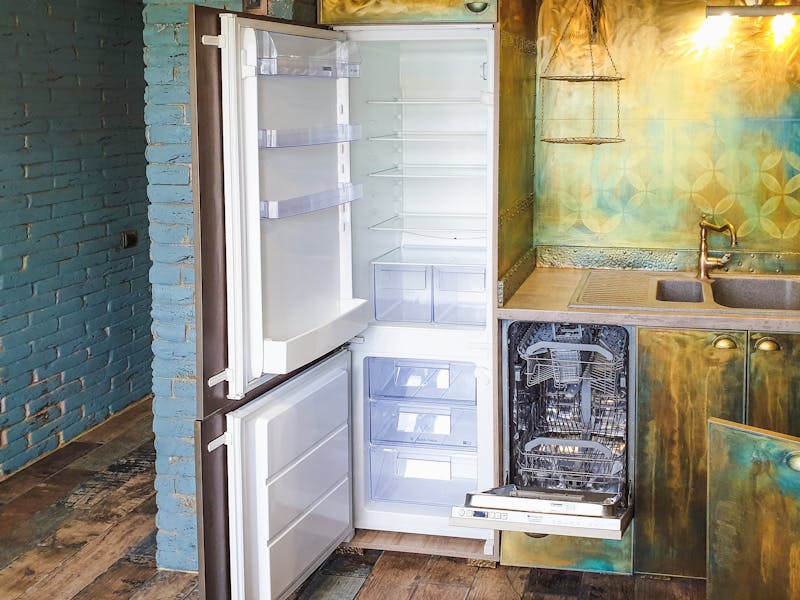
Where to Find the Model Number on a Refrigerator
The model and serial number label on most refrigerators is a silver or white sticker inside the fresh food compartment, usually on the upper left interior wall. Open the fridge door and look up and to the left -- it's often near the temperature controls or light housing.
Here's where to look by configuration:
Top-freezer: Inside the fridge compartment, upper left wall. Sometimes on the ceiling of the compartment near the light.
Side-by-side: Left interior wall near the top of the fresh food side.
French door: Behind the left crisper drawer. Pull the drawer out and check the wall behind it. Samsung French-door models almost always put it here.
Bottom-freezer: Inside the fridge compartment, upper left wall -- same as top-freezer, just check the upper section.
Brand-specific notes:
GE, GE Profile, and GE Cafe: Model numbers typically start with letter patterns like GSS, GFE, GNE, PFE, CYE, or CVE. If you see those prefixes, you're looking at the right label.
Samsung and LG: Many newer models include a QR code on the label. You can scan it with your phone camera to pull up the model info directly, which is handy when the printed text is small.
Whirlpool, Maytag, KitchenAid, and Amana: These are all made by Whirlpool Corporation, so label placement is very consistent -- upper left interior wall.
Pro tip: If you don't see a sticker inside the compartment, check behind the kick plate at the bottom of the unit or on the back of the refrigerator (though we don't recommend pulling it away from the wall yourself).
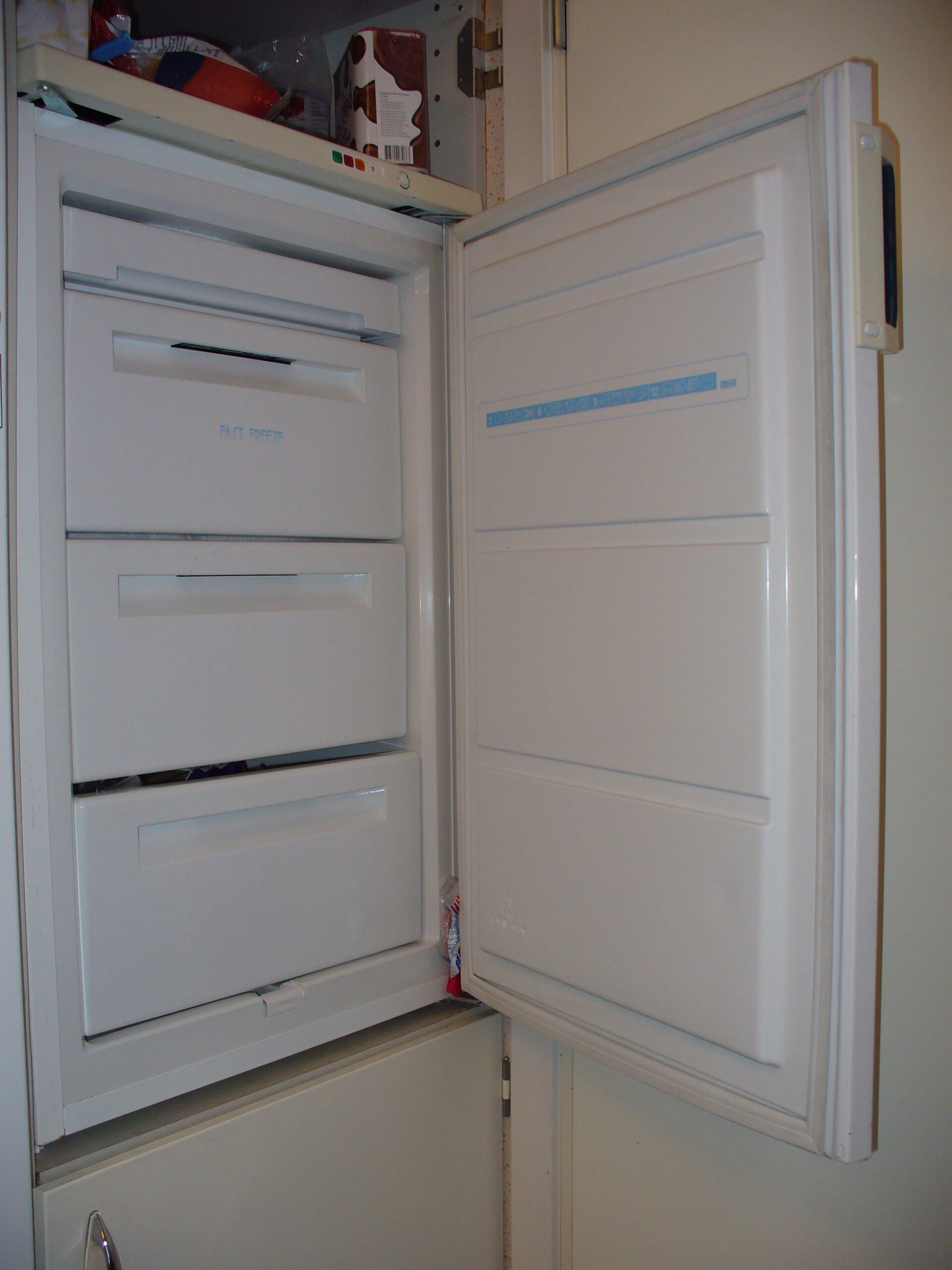
Standalone freezers come in two styles, and the tag is in a different spot on each.
Chest Freezers
Open the lid and look along the top edge of the inside wall -- left or right side. The tag is usually on the upper portion of the interior sidewall.
If it's not inside, check the back exterior of the unit near the bottom. Some older models put it there.
Upright Freezers
Open the door and check the inside of the door frame -- same location as a refrigerator. Left or right side, upper area.
If not on the door frame, look on the sidewall inside the freezer, near the top.
Pro tip: Chest freezers are notorious for having the label covered by ice buildup. If you can't find it, defrost the area along the top edge of the interior wall -- it's probably under a layer of frost.
Back to appliance selector
Where to Find the Model Number on a Washer
The label is usually a white or silver sticker with a barcode, model number, serial number, and sometimes a QR code.
Top-load washer: Lift the lid and look at the underside of the lid or the rim of the tub opening. Some models put the label on the back of the control panel -- you may need to open the lid and look at the top rear of the machine.
Front-load washer: Open the door and check the inside of the door frame -- the rubber gasket area or the metal frame around the opening. Some models put it on the inside of the door itself. If it's not there, check the back of the machine near the bottom.
Brand-specific notes:
Whirlpool, Maytag, and KitchenAid: All Whirlpool Corporation brands. On top-loaders, check under the lid. On front-loaders, check the door frame. Label placement is very consistent across these brands.
Samsung and LG front-loaders: Usually inside the door frame, on the left or right side of the metal opening.
Common mistake: Some people read the UPC barcode number or the electrical specifications and think it's the model number. The model number is labeled "Model" or "Mod." on the sticker -- look for that specific heading.
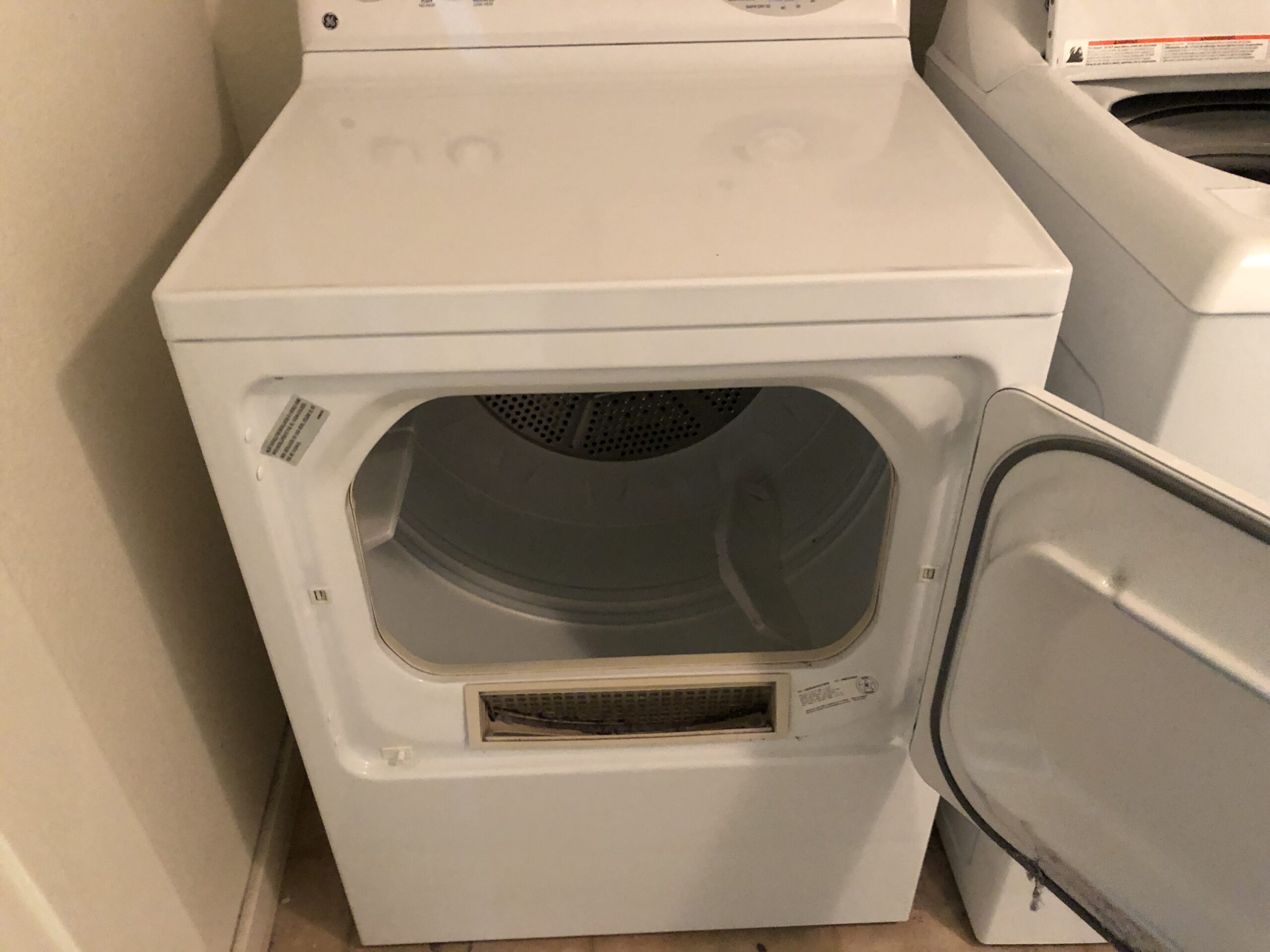
The most common location is on the inside of the door frame. Open the dryer door and look along the rim -- the sticker is usually on the right side of the frame or on the inside edge of the door itself.
Other locations to check:
Behind the lower kick plate: Some models, especially older ones, have the label behind the removable panel at the bottom front of the dryer. Gently pull the panel off or unsnap it to check.
Gas dryers: The label is sometimes on the back panel near the gas connection or exhaust vent. If you can see behind the dryer without moving it, check there.
Brand-specific notes:
Whirlpool, Maytag, KitchenAid: Inside the door frame, consistent placement. Same label format as their washers.
Samsung and LG: Inside the door frame. Some models also have the info on a second label behind the lint filter housing.
GE: Inside the door frame or on the back panel.
Pro tip: If you have a stacked washer-dryer combo, the dryer label is still inside the dryer door frame. You don't need to unstack them.
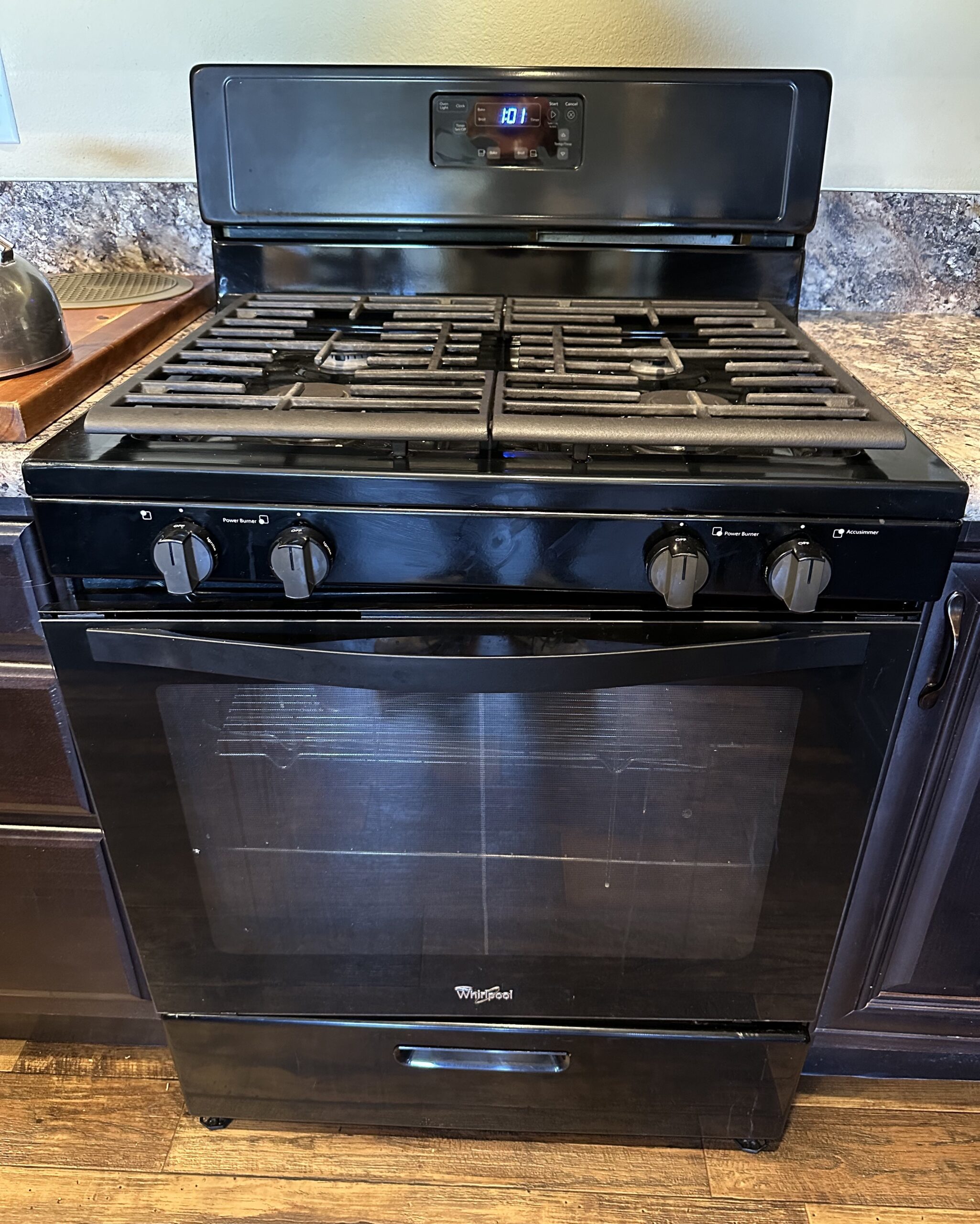
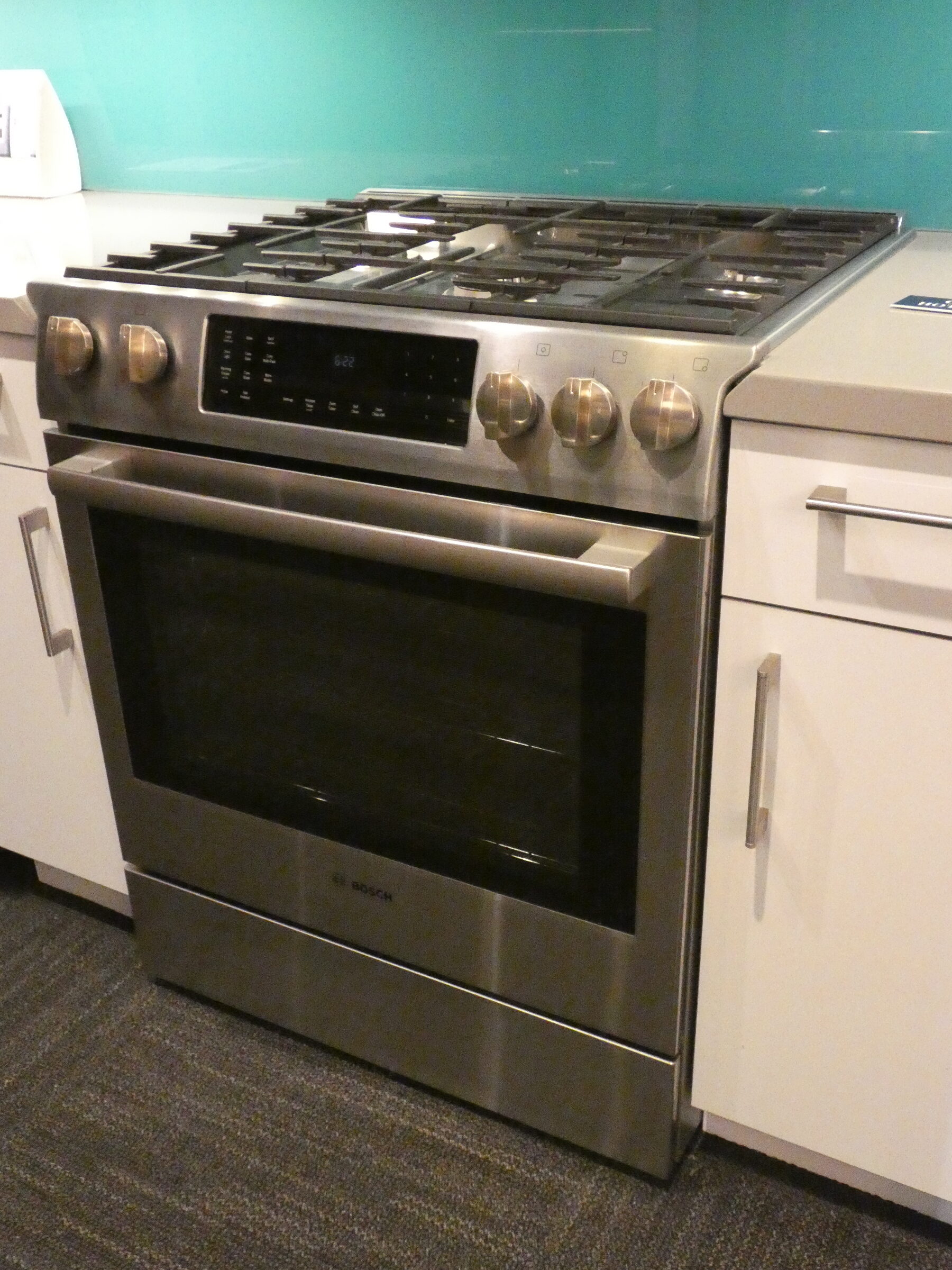
Where to Find the Model Number on an Oven or Range
Ovens and ranges are the most inconsistent when it comes to label placement. Here are the most common spots:
Behind the storage drawer: Pull out the bottom storage or broiler drawer completely. The label is usually stuck to the frame that's exposed once the drawer is out. This is the most common location for freestanding ranges.
Inside the door frame: Open the oven door and look along the left or right edge of the frame, or on the front face of the oven cavity.
Side of the oven cavity: Some wall ovens have the label on the left interior wall, visible when the door is open.
Behind side trim panels: Some built-in wall ovens and cooktops place the label behind a removable side trim piece. This is less common but worth checking if you can't find it anywhere else.
Important note: If you bought your range in a specific color or finish, the model number on the unit might differ slightly from what's on your receipt. Manufacturers sometimes use a different suffix for color variants (for example, -SS for stainless, -WW for white). The base model number is what matters for parts and diagnosis.
Pro tip: The storage drawer on most ranges lifts up and pulls out. If yours has a broiler drawer, it works the same way. Look at the oven frame once the drawer is removed, not the underside of the drawer.
Wall ovens (single or double) are built into the wall, separate from any cooktop. The tag is almost always visible with the door open.
Door frame, left or right side: Open the oven door and look at the metal frame around the opening. The tag is usually on the left or right side, near the front edge. This is the most common location.
Between the doors (double wall ovens): On double wall ovens, check the frame area between the upper and lower oven doors. Open both doors and look at the center divider strip.
Lower oven frame: On some double wall ovens, the tag is only on the lower oven's door frame.
Behind the door, on the oven liner: Occasionally the tag is on the inside wall of the oven cavity itself, visible when the door is open.
Pro tip: Wall oven tags are usually easy to find -- just open the door. If you have a double wall oven and can't find it on the upper unit, always check the lower oven's frame. Manufacturers sometimes only label one of the two.
Back to appliance selector
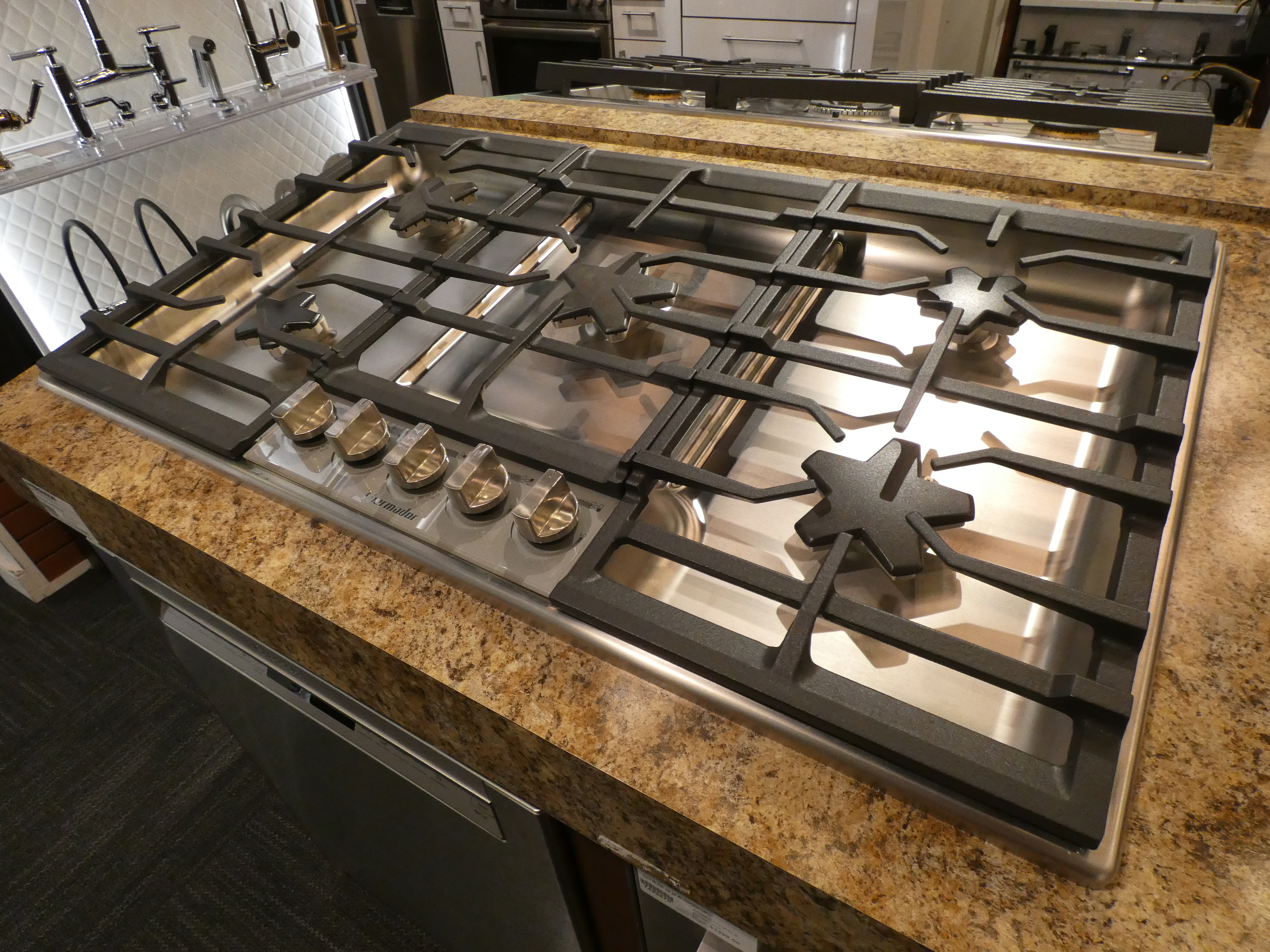
Where to Find the Model Number on a Cooktop
A cooktop is separate from a range -- it's the flat cooking surface built into a countertop with no oven below. The tag is hidden but accessible.
Under the cooktop from below: Open the cabinet or drawer below the cooktop. Look up at the underside of the cooktop unit -- the tag is usually on the bottom surface, visible when looking up from the cabinet.
On the sidewall of the cabinet opening: Sometimes the tag is stuck to the inside of the cutout opening rather than the cooktop itself.
Under a removable burner cap or grate: On some gas cooktops, the tag is tucked under one of the burner grates near the edge.
Pro tip: Use your phone's flashlight and camera together. Point the flash up at the underside of the cooktop from the cabinet below, take a photo, and zoom in. It's much easier to read on your screen than craning your neck in a dark cabinet.
Back to appliance selector
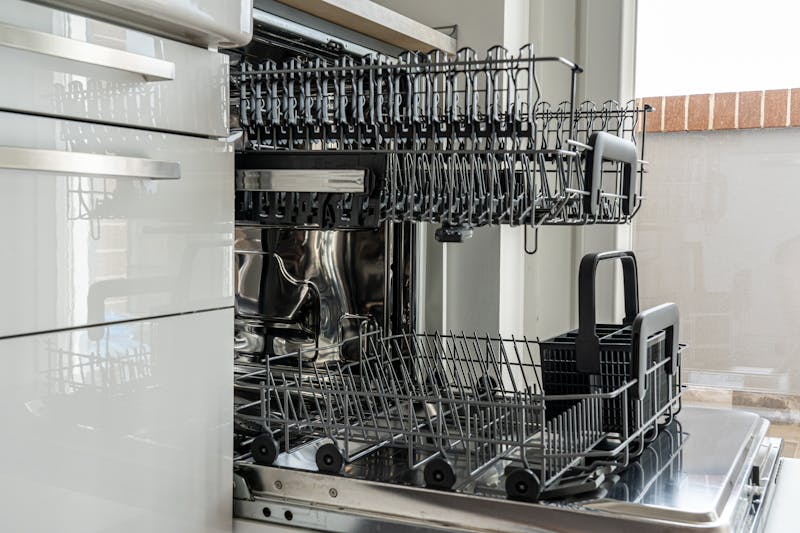
Where to Find the Model Number on a Dishwasher
Open the dishwasher door and look along the inside edges. The label is almost always on the left or right side of the door, on the inner panel that's hidden when the door is closed. On some models, it's along the top edge of the door.
Other locations:
Left side wall of the tub: Open the door and look at the left interior wall of the dishwasher tub, near the top. This is less common but shows up on certain Bosch and KitchenAid models.
Brand-specific notes:
Whirlpool, Maytag, KitchenAid: Inside the door, along the left edge. Very consistent.
Bosch: Inside the door, along the left or right edge. Some models put it on the left tub wall near the top.
Samsung and LG: Inside the door, usually along the left side.
GE and Frigidaire: Inside the door, left or right edge.
Common mistake: Don't read the number on the front control panel overlay -- that's often a part number for the panel itself, not the dishwasher's model number.
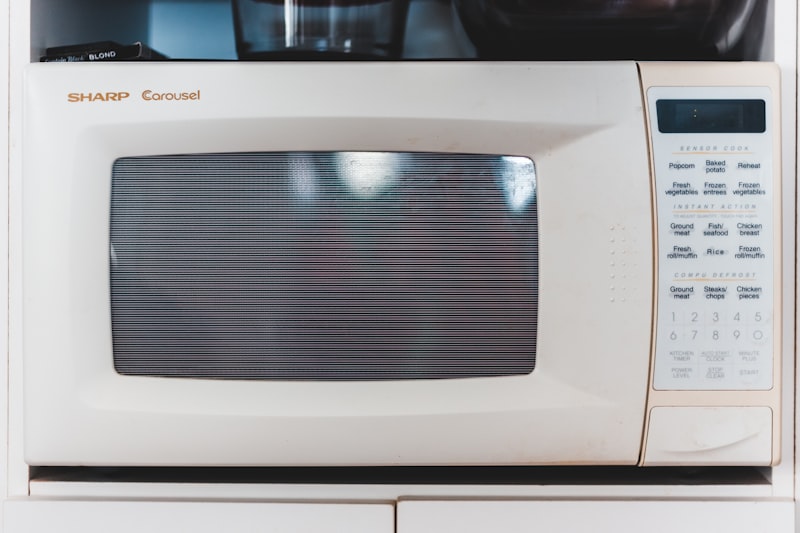
For countertop microwaves, the label is usually on the back of the unit or on the bottom. Flip it over or pull it away from the wall and check.
For built-in and over-the-range microwaves:
Inside the door frame: Open the microwave door and check the inner frame, similar to an oven. This is the most accessible location.
Back panel: Many over-the-range microwaves have the main label on the back panel, but you can't see it without removing the microwave from the wall. We don't recommend taking it down just for the model number.
Inside the cavity: Some models have a small label on the interior wall of the microwave cavity, near the top or left side.
Pro tip: If you have an over-the-range microwave and can't find the label inside the door, check the original purchase receipt or look up the brand's website -- many manufacturers let you search by the general model family if you know the brand and approximate size.
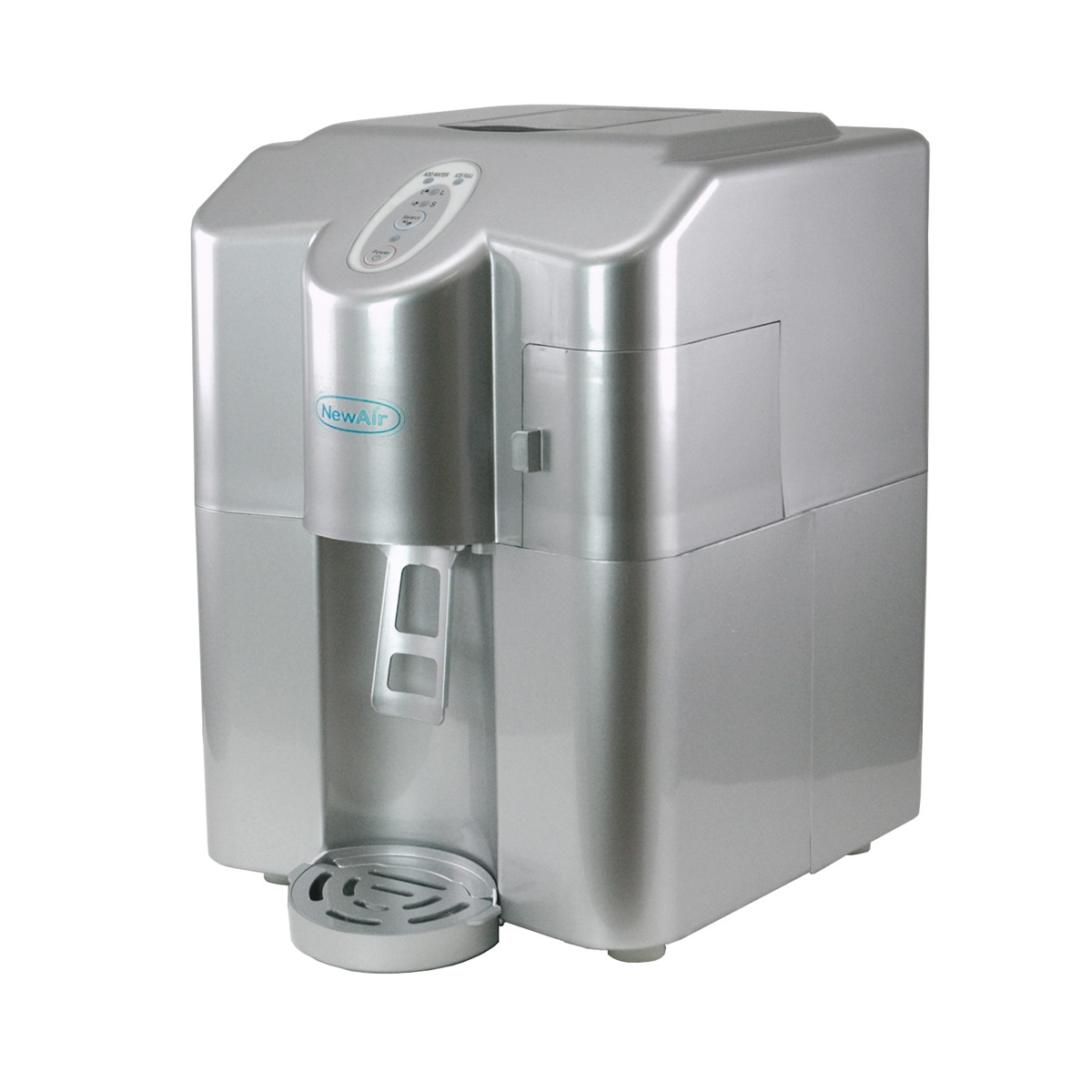
Ice machines are one of the trickiest appliances to find a model tag on. The location depends on whether you have an undercounter or freestanding unit.
Undercounter Ice Machines (Most Common)
Inside, on the liner -- high and to the right: Open the door and look at the upper-right area of the interior liner. This is the most common spot on undercounter units from Scotsman, Manitowoc, and similar brands.
Ceiling of the bin interior: Some models put the tag on the underside of the evaporator cover or the ceiling of the ice storage bin. Open the door, look straight up.
Behind the front grille (kick plate): Pull off or swing down the removable grille at the bottom front -- the tag may be on the frame behind it.
Freestanding Ice Machines
Behind the front kick plate: Most freestanding units have the tag behind the lower front panel. Remove the grille and check the frame.
Inside the door, left sidewall: Open the door and check the left sidewall near the top.
On the back panel: Some units only have the tag on the rear panel. You may need to pull the machine out to see it.
Pro tip: If you have a commercial ice machine (Manitowoc, Hoshizaki, Scotsman), the model number is almost always inside on the liner or behind the front grille. Take a photo with your flash on -- these labels are often in dark, tight spaces.
Back to appliance selector
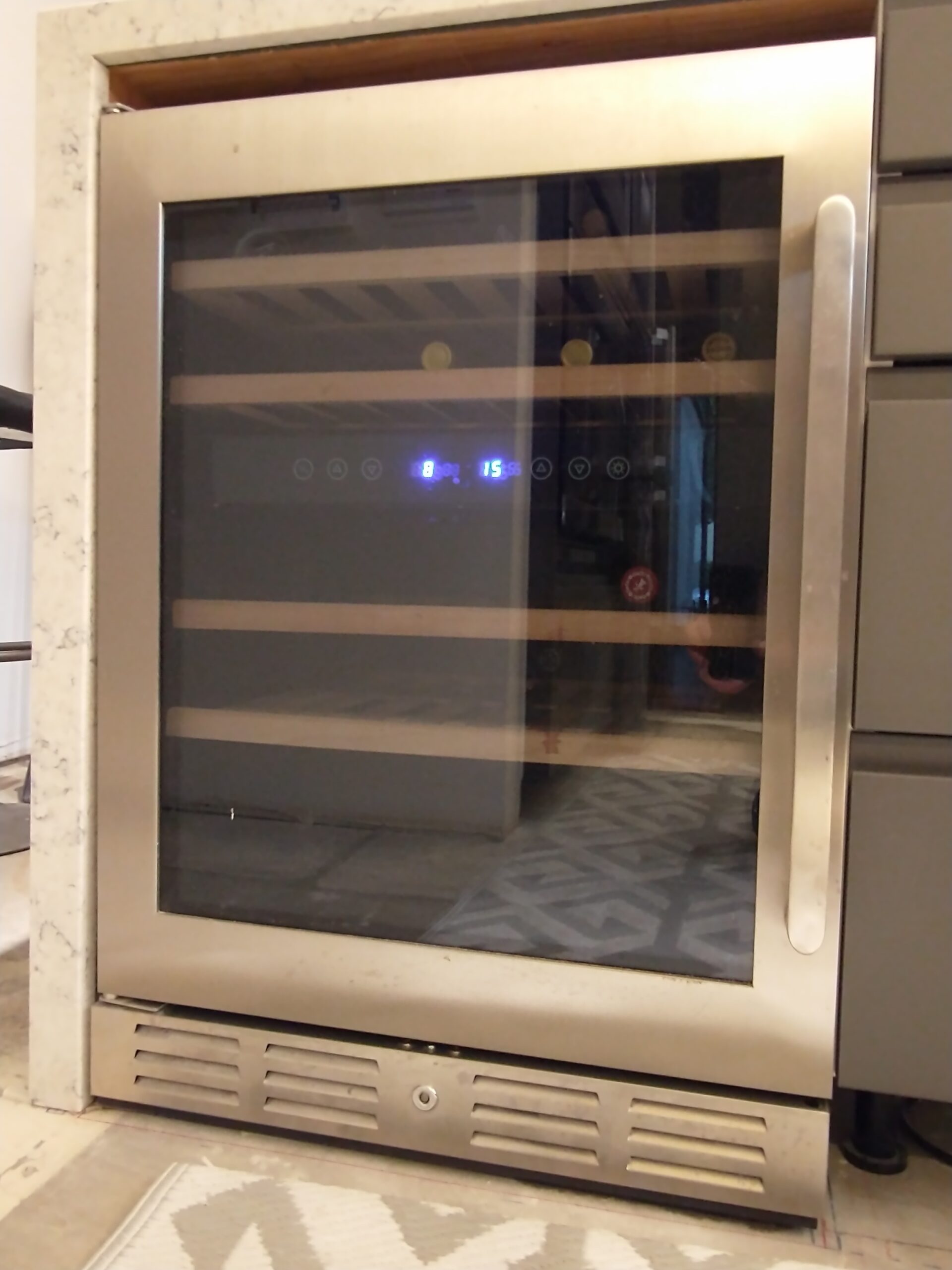
Where to Find the Model Number on a Wine Fridge or Mini Fridge
These are some of the hardest appliances to find a tag on. Manufacturers seem to go out of their way to hide them.
Back of the unit: The most common spot, which means you have to pull it out from the wall or cabinet. Look on the upper-rear panel.
Inside sidewall near the bottom: Open the door, remove the bottom shelf if needed, and look on the left or right interior wall near the floor.
Inside the door frame: Some models put it on the hinge side of the door frame, like a full-size fridge.
Behind the kick plate: Built-in wine coolers sometimes have a removable front grille with the tag behind it.
Pro tip: If you bought it online, search your email for the order confirmation -- it usually has the model number. These units are small enough that pulling them out to check the back is usually the fastest approach.
Back to appliance selector
Where to Find the Model Number on a Garbage Disposal
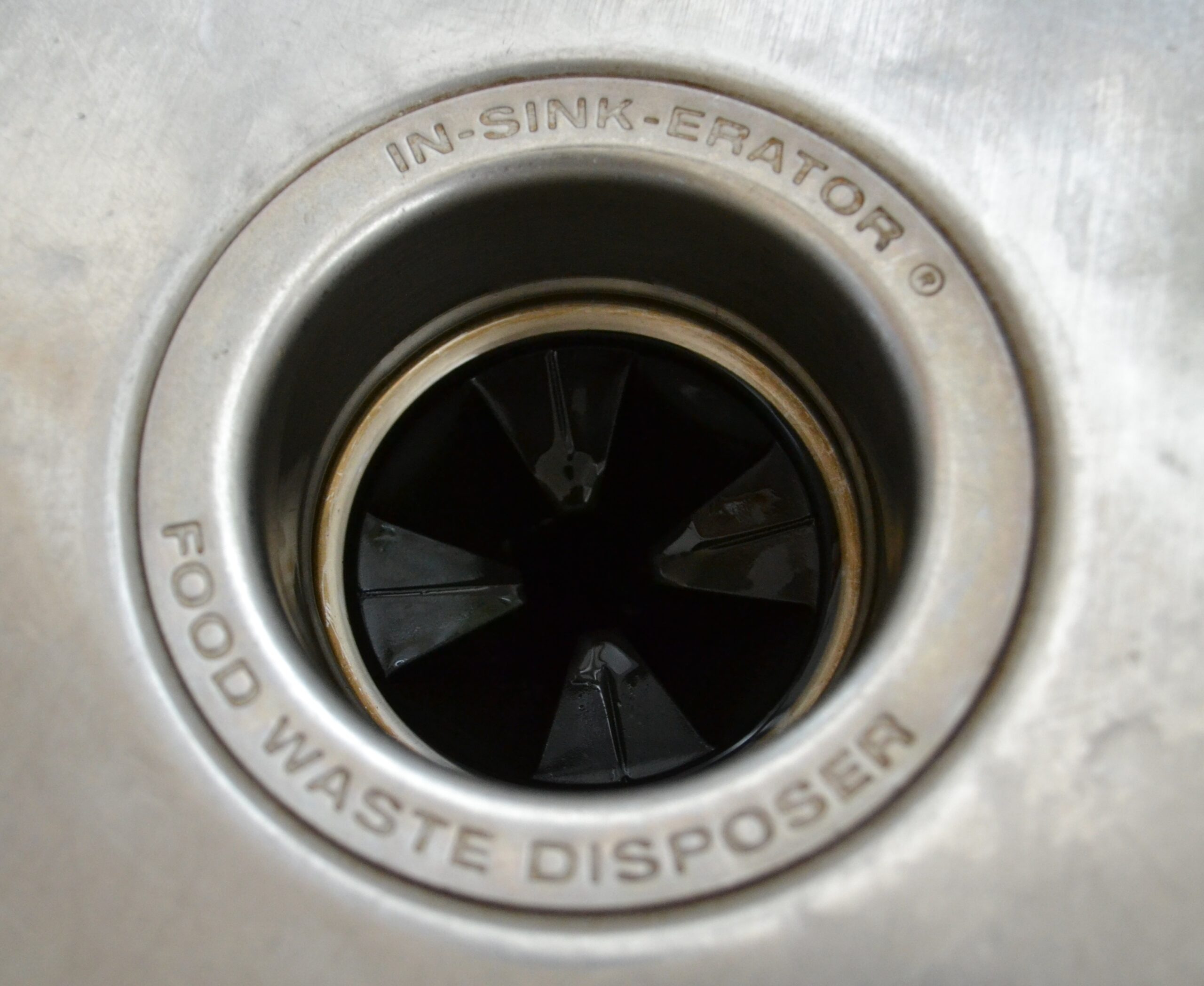
The model and serial number label is on the bottom of the disposal unit, underneath the sink. It's usually a silver sticker or stamped directly into the housing.
Here's the easy way to get it: Turn on your phone's flashlight, hold the phone under the sink with the camera facing up at the bottom of the disposal, and take a photo. You can read the label from the photo without crawling under the sink or craning your neck. This works much better than trying to read it in person.
Brand-specific notes:
InSinkErator: The model number is printed on a silver label on the bottom of the unit. Common model patterns include Badger and Evolution series names.
Waste King: Also on the bottom, usually a silver label with model and serial.
Moen, GE, KitchenAid: Same location -- bottom of the unit.
Pro tip: Most garbage disposals are the same few models across an entire city. Even if you can't find the exact model number, telling us the brand and whether it's a 1/3 HP, 1/2 HP, or 3/4 HP unit is usually enough for us to bring the right parts.
The model number on your receipt or the store's website is often not the same as what we need. The number on the physical tag is the full model number with all the variant and revision codes we use to look up parts.
A few examples:
Whirlpool washer listed at the store as "WTW5000DW" -- the tag on the machine says "WTW5000DW2." That "2" at the end means different internal parts.
Samsung receipts often drop the suffix (like "/AA") that tells us which production version it is.
GE commonly adds engineering digits before the last two characters that won't appear on a sales receipt. Profile and Cafe model numbers can be all over the place.
Bottom line: Always read the number off the tag on the appliance itself -- not your receipt, not the store's website, not the box.
Before You Start Looking
A few tips that apply to every appliance:
The model number is usually shorter -- 6 to 12 characters, mostly letters with a few numbers. The serial number is longer and more random-looking, with a mix of letters and numbers.
The model tag is usually a white or silver sticker with "Model" or "M/N" and "Serial" or "S/N" clearly labeled. Don't confuse it with the UPC barcode or the electrical rating label.
If the label is worn, faded, or hard to read, take a photo with your phone's flash turned on. That usually reveals characters you can't see with the naked eye.
If you can find the model number but the serial number is unreadable, just the model is still helpful. Give us what you can.
Write it down or take a photo and save it. You'll need it again someday.
Additional Numbers Your Technician May Need
Some manufacturers use additional codes beyond the model number that are critical for parts lookup. If you see any of these on or near your model tag, write them down too.
Samsung Version Numbers
Samsung appliances often have a version number that's important for part lookup. It's sometimes located away from the main model/serial tag, or may not exist at all on some units. When it exists, we need it. Customers often miss it because it's not next to the model number. Look for a small label or stamp that says "Version" or "Ver."
LG Product Codes
LG sometimes uses a separate "product code" in addition to the model number. Parts distributors use these codes to look up the correct parts list for your specific unit. If you see a separate code labeled "Product Code" or "P/C" near the model tag, include it when you contact us.
Older Maytag Series Codes
Older Maytag appliances may have a "series" code that's needed for parts lookup. If you have an older Maytag, look for this on or near the model tag.
Warning Stickers Are Not Model Tags
We get a lot of people who give us a number off a warning label, compliance sticker, or electrical rating plate instead of the actual model/serial tag. These look similar but are not model numbers. The model tag is usually a white or silver sticker with "Model" or "M/N" and "Serial" or "S/N" clearly labeled. If you're not sure, take a photo and text it to us at (806) 730-6300 -- we can tell you immediately if it's the right tag.
Can't Find Your Model or Serial Number?
If you can't locate your model or serial number, just call us at (806) 730-6300 or text us a photo of your appliance. Our technicians can usually identify the unit from photos. We'd rather help you find it than have you skip the step -- the model number makes a real difference in how fast and affordable your repair turns out.
Why do you need my model number before the appointment?
Your model number tells us exactly what machine you have -- what parts it uses, what's been recalled, and what problems are common on that specific unit. When we have the model number ahead of time, we can research the issue before we arrive and bring the right parts with us. That means fewer trips, faster repairs, and lower costs for you.
What if my label is missing or unreadable?
If the label is gone or too faded to read, try taking a photo with your phone's flash -- that often reveals faded text. You can also check the original purchase receipt, the manufacturer's registration confirmation email, or the owner's manual. If none of that works, call us at (806) 730-6300 or text us photos of the appliance and any remaining label fragments. We can usually narrow it down from the brand, age, and appearance of the unit.
Is the model number the same as the part number?
No. The model number identifies your specific appliance -- it's the "name" of your machine. Part numbers identify individual replacement components like motors, pumps, or control boards. You'll see part numbers in repair quotes and parts catalogs, but what we need from you before the appointment is the model number (and serial number if you can find it). They're on the same sticker but labeled differently.
Can I just give you the model number from my receipt or the store's website?
It's better to get it from the tag on the appliance itself. Receipt and website model numbers are often shortened and missing the revision or variant codes we need to order the right parts.
The model number on my receipt doesn't match the one on the appliance -- which one do you need?
The one on the appliance. Always.
What's a version number and do I need it?
Some brands (especially Samsung) use a separate version number for parts lookup. It may be on the model tag or in a different location on the appliance. If you see one, write it down. If you're not sure, we'll figure it out when we get there.
I found a number on a sticker but I'm not sure if it's the model number.
Take a photo and text it to us at (806) 730-6300. We can tell you immediately if it's the right tag or not.
To provide the best experiences, we use technologies like cookies to store and/or access device information. Consenting to these technologies will allow us to process data such as browsing behavior or unique IDs on this site. Not consenting or withdrawing consent, may adversely affect certain features and functions.
Functional
Always active
The technical storage or access is strictly necessary for the legitimate purpose of enabling the use of a specific service explicitly requested by the subscriber or user, or for the sole purpose of carrying out the transmission of a communication over an electronic communications network.
Preferences
The technical storage or access is necessary for the legitimate purpose of storing preferences that are not requested by the subscriber or user.
Statistics
The technical storage or access that is used exclusively for statistical purposes.The technical storage or access that is used exclusively for anonymous statistical purposes. Without a subpoena, voluntary compliance on the part of your Internet Service Provider, or additional records from a third party, information stored or retrieved for this purpose alone cannot usually be used to identify you.
Marketing
The technical storage or access is required to create user profiles to send advertising, or to track the user on a website or across several websites for similar marketing purposes.